

In order to fully enjoy the EASE meeting experience, you need to install the EASE Meeting App
Here are instructions for each type of device: Android or iPhone
Android
Access https://easemeeting.com/ from your browser or click on the button in the email with your invitation to the EASE Meeting.
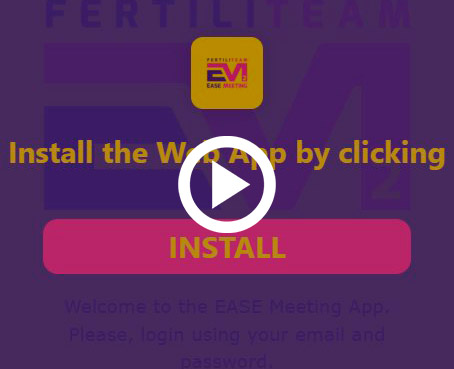
If you have not installed the WebApp yet, an 'INSTALL' button will be displayed and you will have direct access to the WebApp on your mobile
iPhone
Access https://easemeeting.com/ from your browser or click on the button in the email with your invitation to the EASE Meeting.
If you have not installed the WebApp yet, information will be displayed so you can create a shortcut following these instructions:
1. Press in your Safari Browser 
2. Then click 'Add to home screen' 
If the 'Add to home screen' option is not available, follow the simple instructions we give you in the video.